Desktop app
The full agent in a native window for macOS, Windows and Linux.
Chat with the agent, browse sites in the built-in browser and control exactly how much access it gets. The same agent as the terminal, in a native app.
v1.10.6 · macOS, Windows and Linux · Sign in with your RedCell account
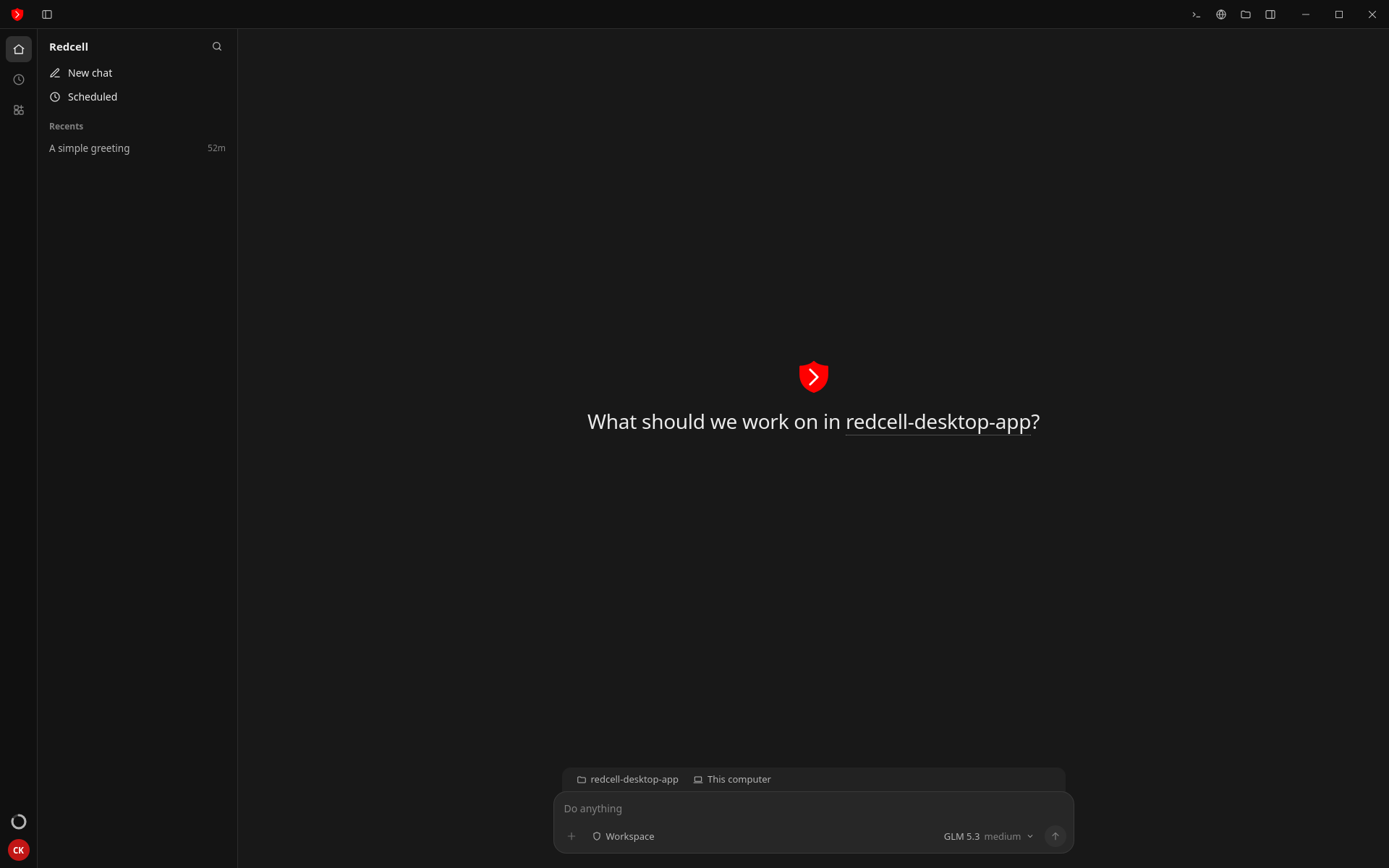
Scope-guarded by default
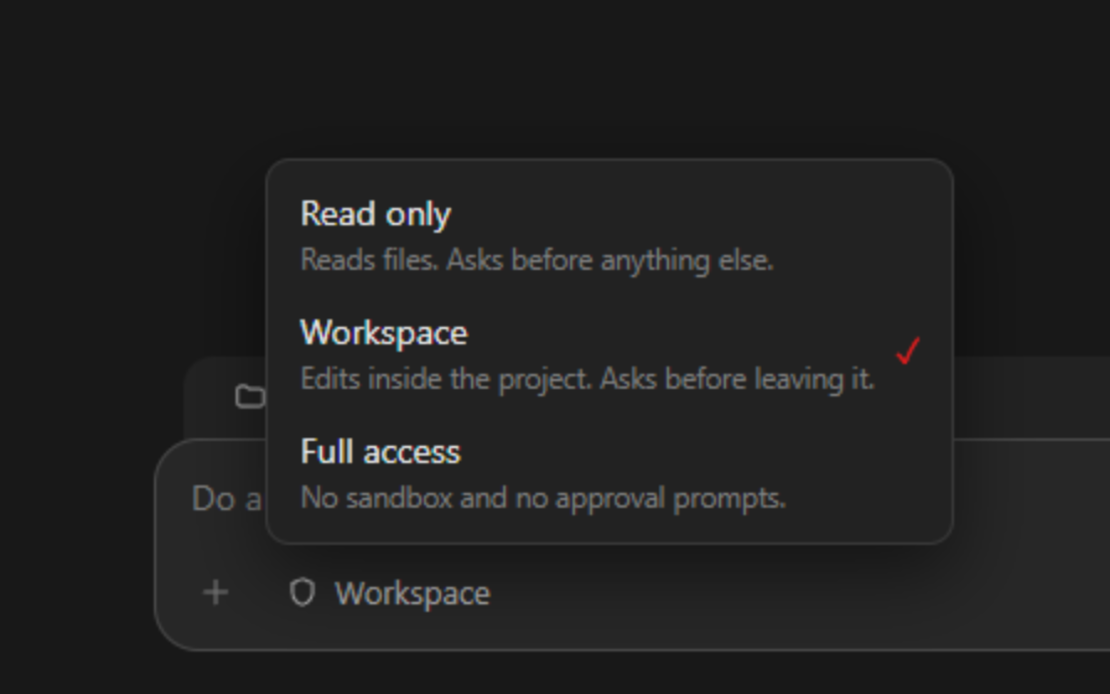
You choose the access level
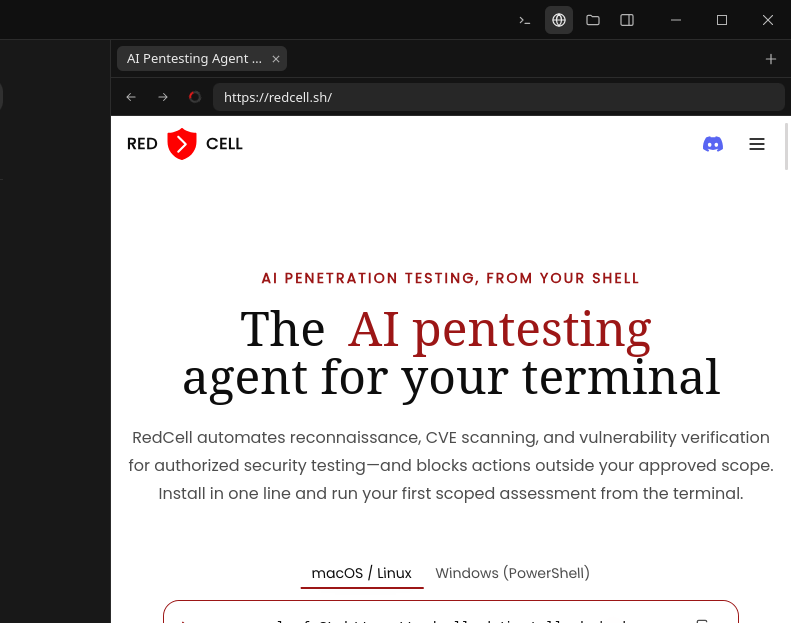
Built-in web browser
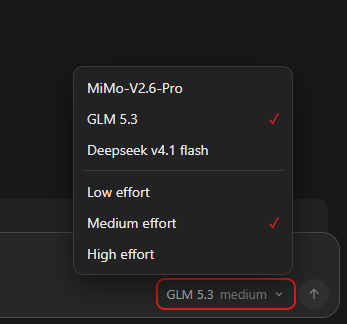
Pick your model and effort
Built for real security work
01/Access control
Switch between access levels from the prompt bar. Start read-only, let it edit inside the project, or give it full access when you trust the run.
02/Models
Choose a model per chat and dial the effort up or down. Quick recon on low effort, deep verification on high.
03/Built-in browser
Open a site in the built-in browser right next to the chat, so you can see what the agent is testing as it works.
04/Project files
Browse the working folder from the side panel and keep an eye on what RedCell reads and writes.
One RedCell account across the app, the terminal and your own tooling.
The full agent in a native window for macOS, Windows and Linux.
Install with one line and run it from any shell.
Bring custom MCP servers and security binaries into the workflow.
Manage API keys, billing and usage from your account.
Every installer for every supported operating system and architecture.
Version 1.10.6 · Released Nov 16, 2026
Improved overall application performance. Fixed various bugs and stability issues. Added support for .deb and .rpm installers for easier installation on Linux distributions.
Prefer the terminal? Run curl -fsSL https://redcell.sh/install.sh | sh
Download RedCell, sign in, and run it on the systems you are authorized to assess.
RedCell community / 001
Meet the people building with RedCell, trade field notes, and get a hand when you hit a wall.